1. Browse the shelf
Each entry can describe the game, the real cart or disc location, which controller to grab, and any memory-card reminders.
A friendlier front door for a MiSTer FPGA shelf setup: browse the games you own with notes, controller reminders, and a launch path that can live beside Zaparoo Core.
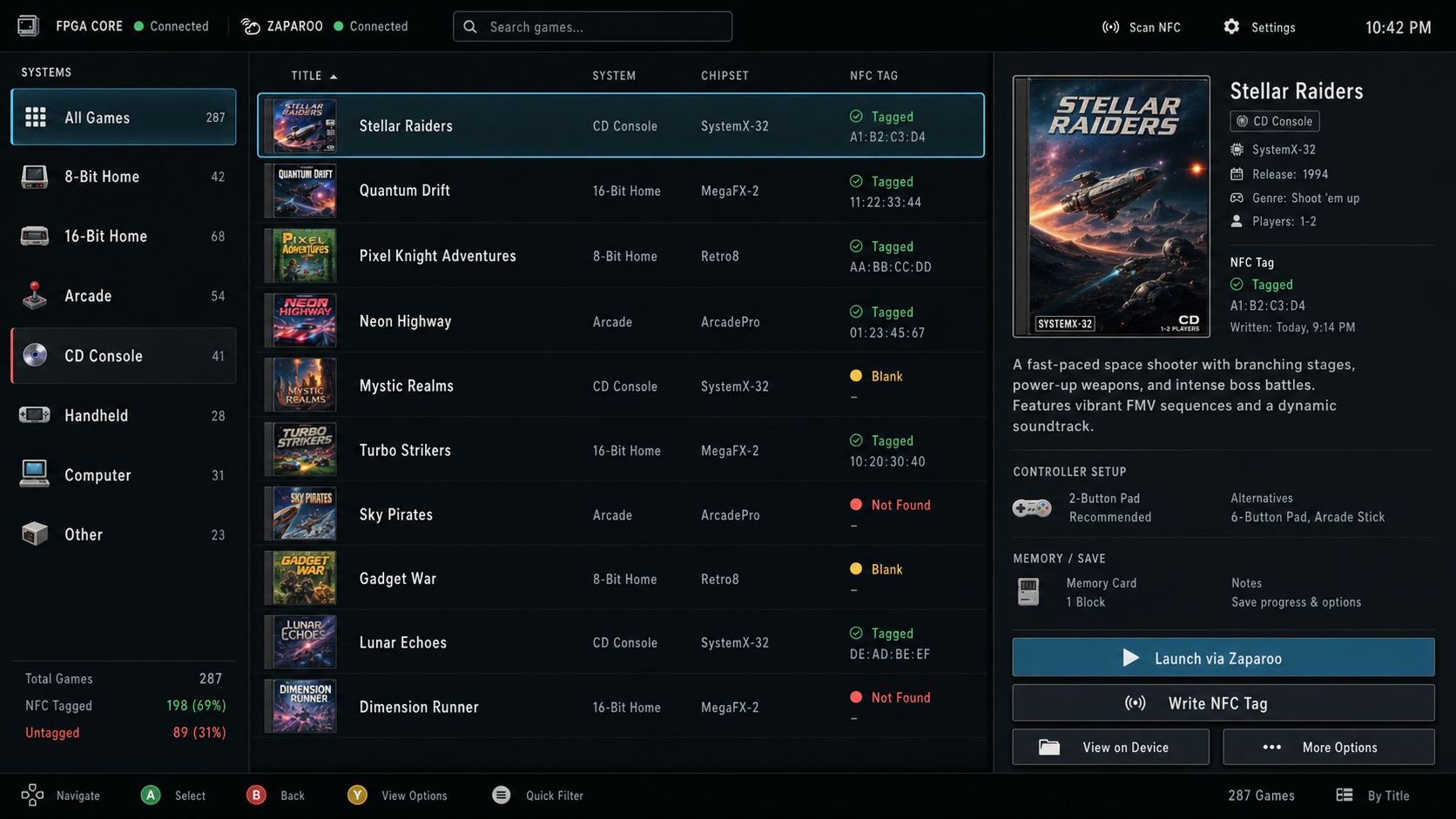
The goal is not to replace Zaparoo's NFC trick. It is to make the visible MiSTer experience less hostile when someone is standing in front of the shelf trying to pick a game.
Each entry can describe the game, the real cart or disc location, which controller to grab, and any memory-card reminders.
Hey Mister draws a native framebuffer UI and reads simple Linux input, so the first hardware test path is keyboard or USB pad.
If Zaparoo Core is running locally, Hey Mister can send the game's launch text to it and then get out of the way.
Start with direct-run testing. Boot replacement stays experimental until the exact MiSTer setup proves it.
mister-sd to the root of the MiSTer SD card.
/media/fat/Scripts/heymister_probe.sh.
/media/fat/Scripts/heymister_run.sh to test the frontend directly.
MiSTer is not a normal desktop Linux box. Hey Mister adapts to the framebuffer it finds, reads Linux input devices where available, and keeps boot takeover behind a guarded experimental installer mode.
This ZIP contains the ready-to-copy MiSTer SD-card payload generated from the public repo. It does not include ROMs, BIOS files, or game artwork.
Built from commit 7d280ff6065b. Native binary SHA-256:
39EA41D37C4973A19AD20DF69E621D7B4AC454BFB66819AEC149A61B9C189A1B.